Essay · 4 min read
Making interfaces feel tactile
By Ana Reyes · October 2026
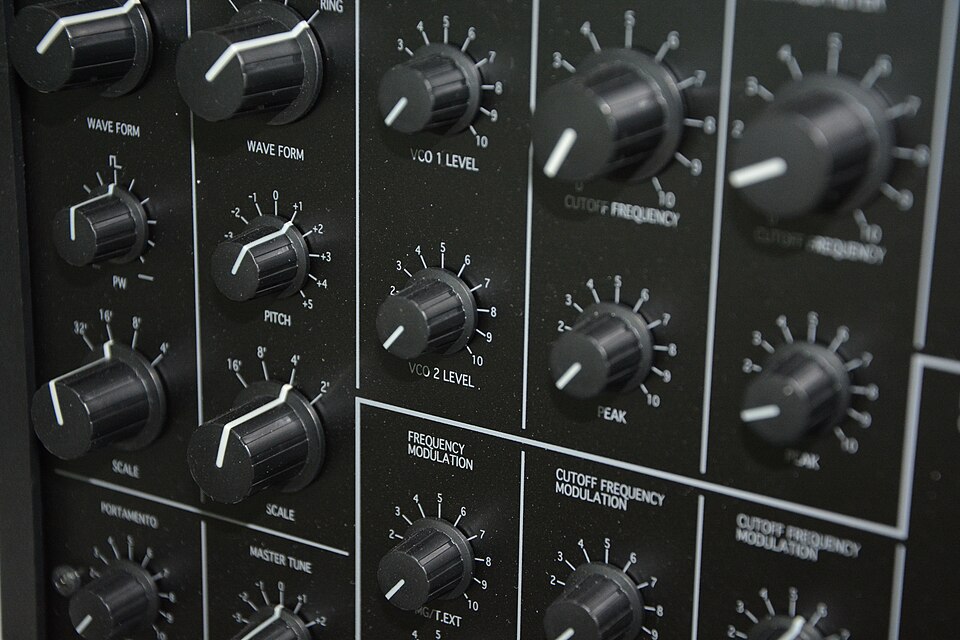
Objects on screen feel real when they resist a little before they move. A card that leans toward your hand, then settles with one soft spring, reads as something you could pick up.
Keep motion short and honest. More in the Pointer events guide.
Three rules we keep coming back to
01Anticipate
Show where something will land before it lands.
02Follow the hand
While held, an object goes exactly where the pointer goes.
03Settle once
One soft spring at the end. No wobble.
The best feedback happens before the action finishes: a lean, a lift, a shadow that deepens.From the Field Notes handbook
Shadows do most of the work
A resting card needs only a thin contact shadow. When it lifts, the shadow spreads and softens. That single change tells you the card left the surface.
For timing, start from a spring. Stiffness around 250 with damping near 24 gives a small overshoot that reads as physical. See the easing functions reference.
Further reading
developer.mozilla.orgClipboard API
developer.mozilla.orgDrag and drop
developer.mozilla.orgReduced motion
One essay a month.Notes on interface craft, no noise.
you@example.comSign up